Animated cat emoji for Telegram: free custom emoji pack
12 live cat custom emoji: real cats (public-domain clips), background removed, white outline, looping 100×100 video emoji. Use them as your emoji status, next to your name or in any message. Free, one tap to add.
+ Add the cat emoji to Telegram
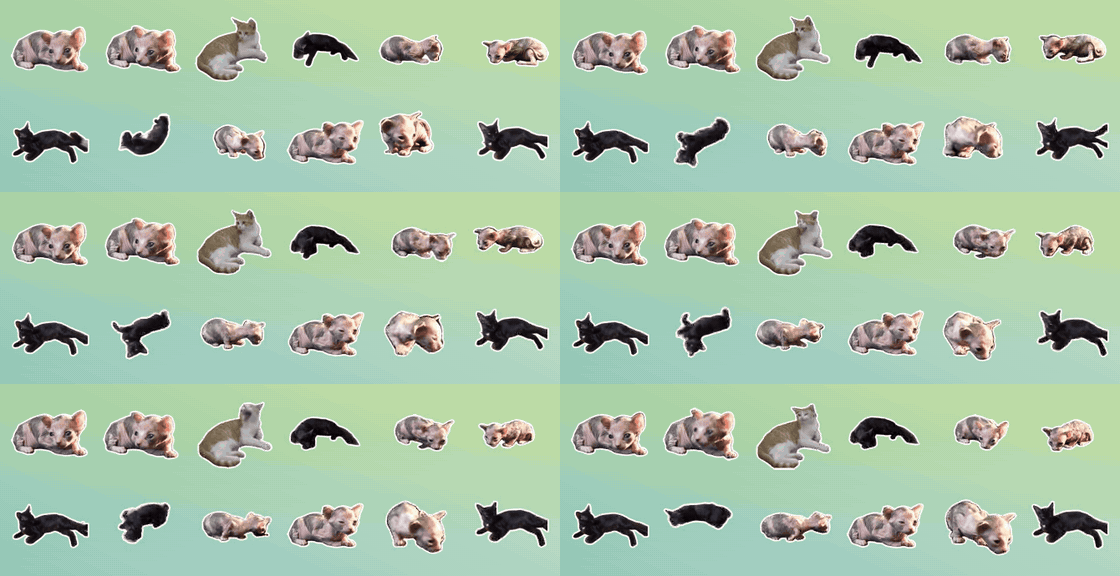
What's in the set



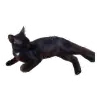
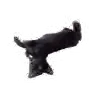
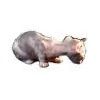
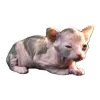
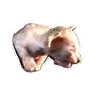
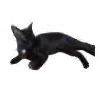
+ Add the cat emoji to Telegram
Your own cat as an emoji
Send a 1–3 second video of your cat to @WigglePackBot. You get a live sticker first; under it tap “😺 Make it an emoji” and your cat lands in your own custom emoji set, ready for your status.
Open @WigglePackBot in Telegram
3 live stickers free · no sign-up · works in any Telegram app
FAQ
How do I put a cat emoji in my Telegram status?
Add the set (t.me/addemoji/wcatmoji_by_WigglePackBot), then tap your name at the top of the profile (or the emoji next to it), choose Set Emoji Status and pick a cat from the set. Emoji status needs Telegram Premium.
Do I need Telegram Premium?
To send custom emoji in messages and to set them as status, yes. Without Premium you can still add the set, see these emoji in other people's messages and use them in groups that enabled the set.
Are they free?
Yes. The set is free to add and to use.
Can I make an emoji of my own cat?
Yes. Send a short video of your cat to @WigglePackBot, then tap “Make it an emoji” under the sticker. The first 3 live stickers are free.
Sources: CC0 / public-domain videos from Wikimedia Commons.
Free sticker packs
- Animated cat stickers for Telegram: free reaction pack
- Animated dog stickers for Telegram: free reaction pack
- Animated cat emoji for Telegram: free custom emoji pack
- Живые стикеры с котами для Telegram: бесплатный пак с подписями
- Stickers animados de gatos para Telegram, con frases en español
- Figurinhas animadas de gato para Telegram, com frases em português
- Telegram için hareketli kedi çıkartmaları, Türkçe yazılı
- Stiker kucing animasi untuk Telegram, dengan tulisan bahasa Indonesia
- Animierte Katzen-Sticker für Telegram, mit deutschen Sprüchen